View your schedule and access all appointment and event details.
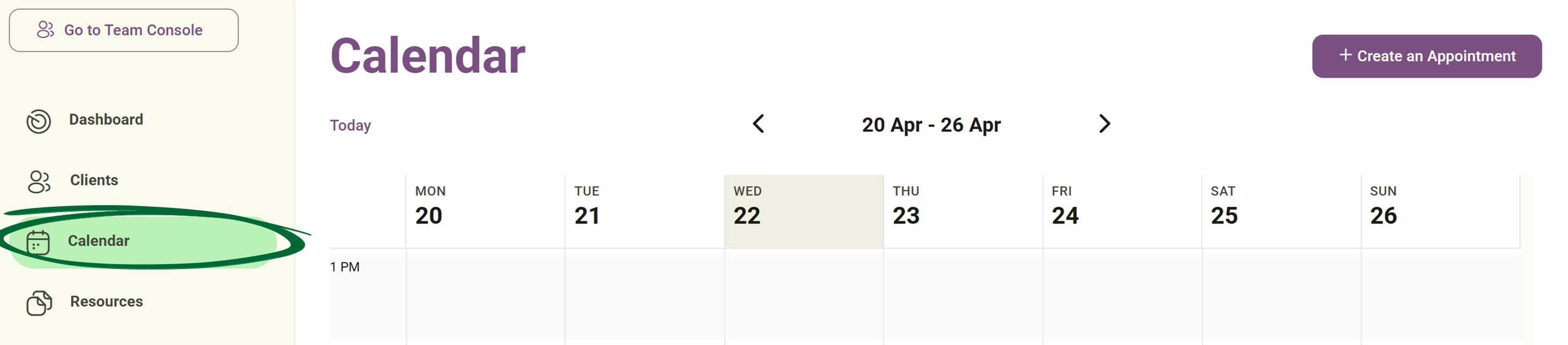
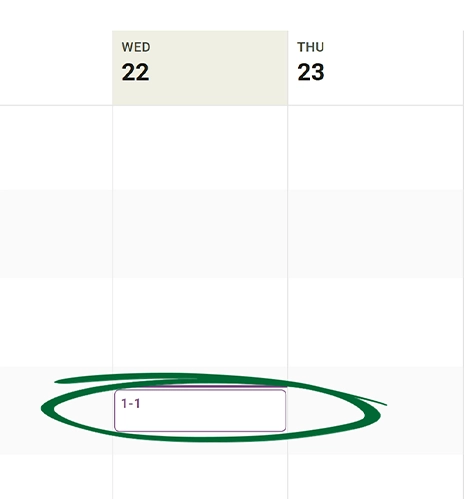
Schedule a new appointment for your clients manually in just a few steps.
Choose the client, service, date, time and Attendee Type
Appointments can be created for: Existing clients already in the system and New clients
Set up repeating appointments and define whether sessions are digital or physical.
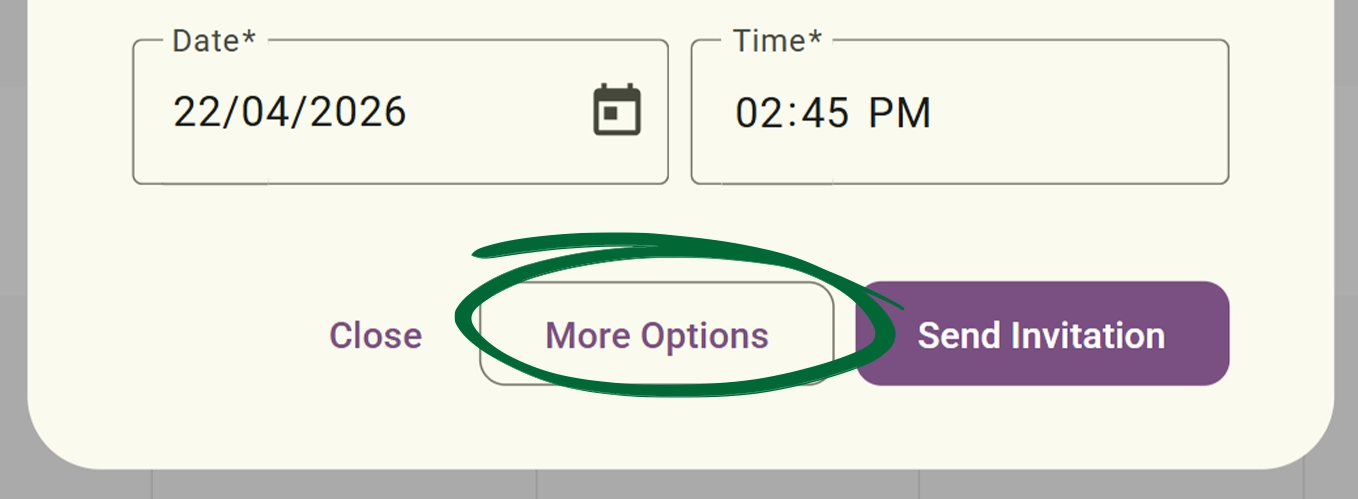
Choose between: No recurrence and Custom recurring schedules.
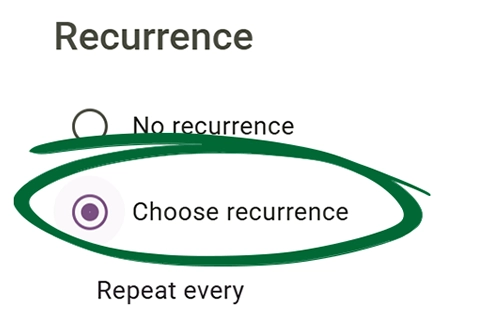
Choose how often the appointment should repeat.
Selecting the "Day" option sets the session to repeat every specified number of days.
Selecting the "Week" option allows practitioners to set appointments that repeat weekly on specific chosen weekdays (for example, every Monday and Wednesday, or every Friday).
Selecting the "Month" option repeats the appointment monthly based on the initial
selected date.
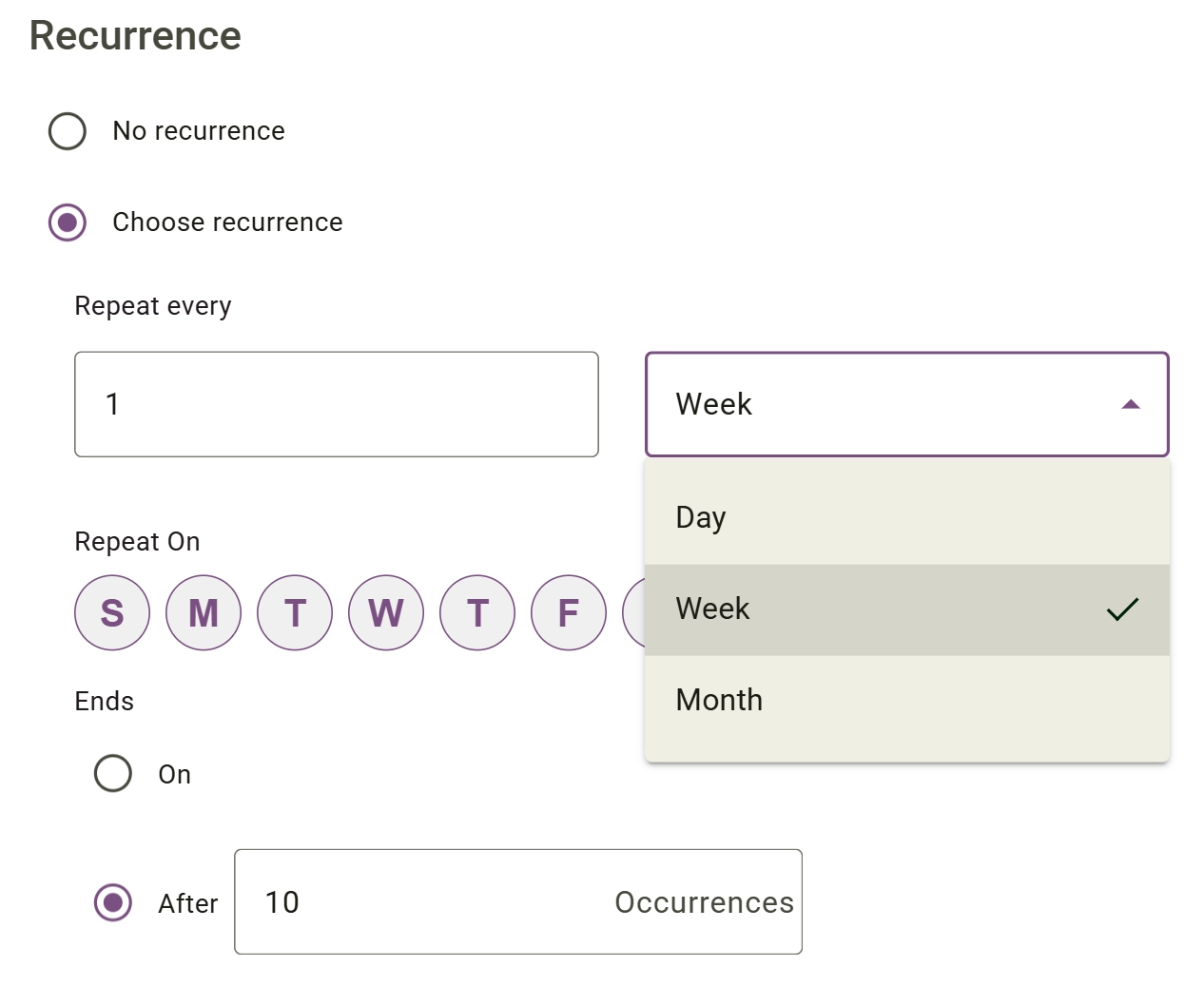
Practitioners can choose exactly how the recurring appointment should end, with options to either stop after a specific number of occurrences or conclude on a designated date.
Identify the source and type of events appearing on your schedule.
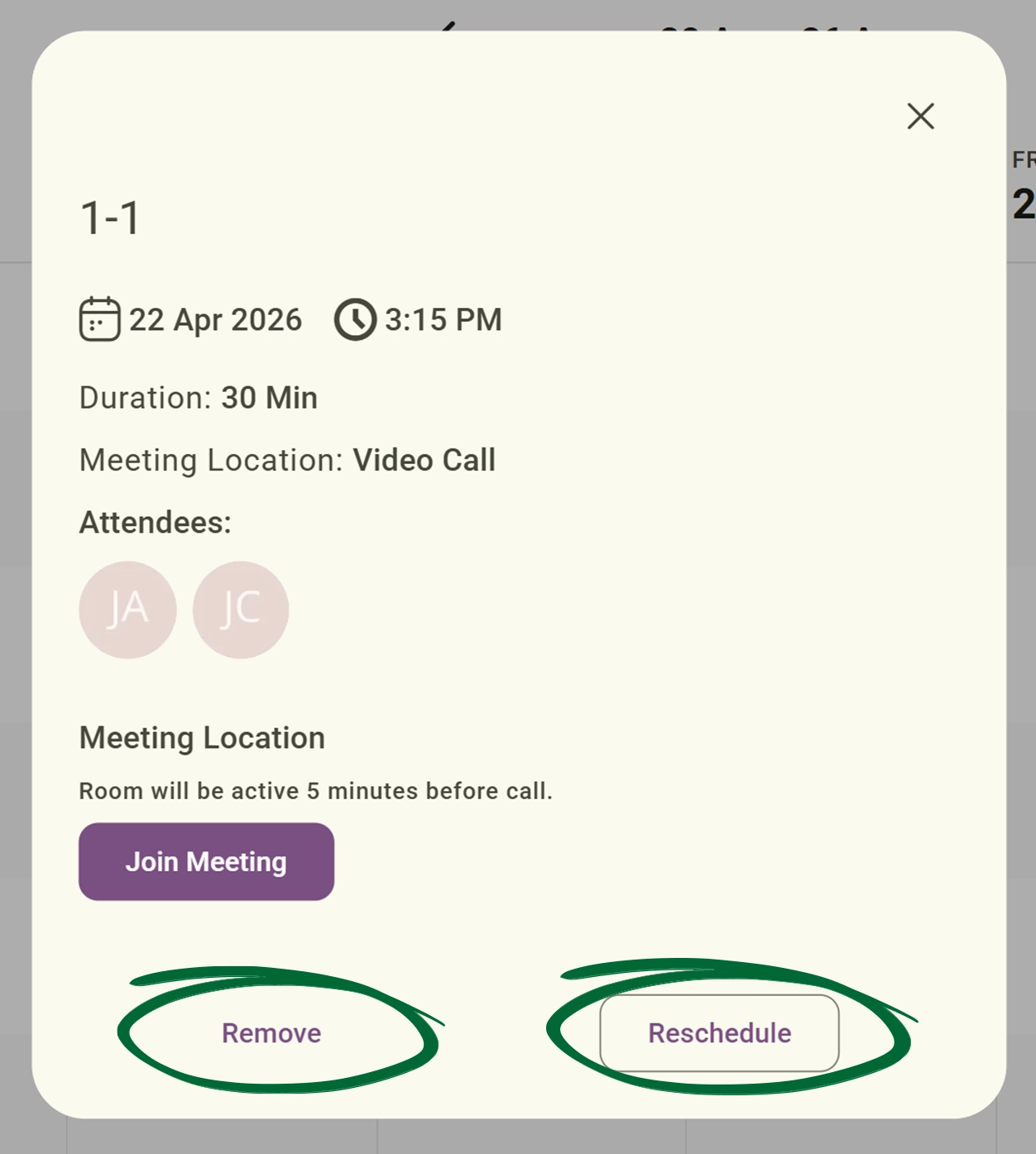
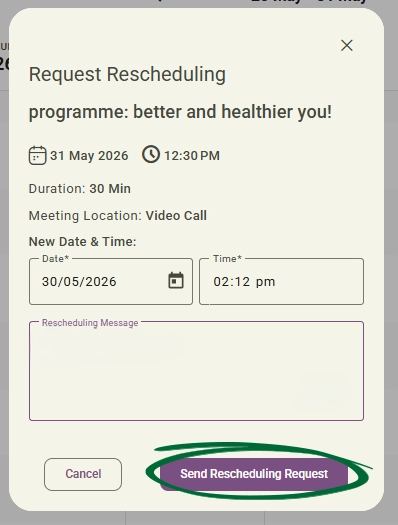
Easily update or cancel appointments when plans change.
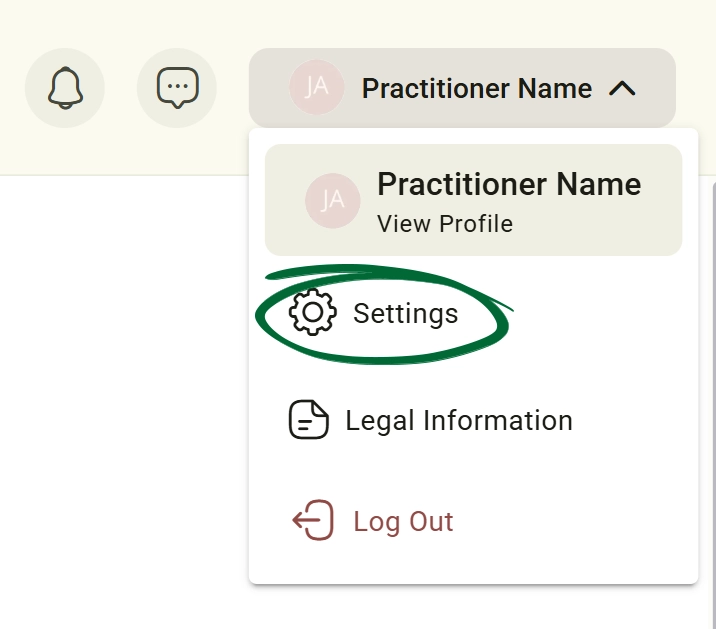
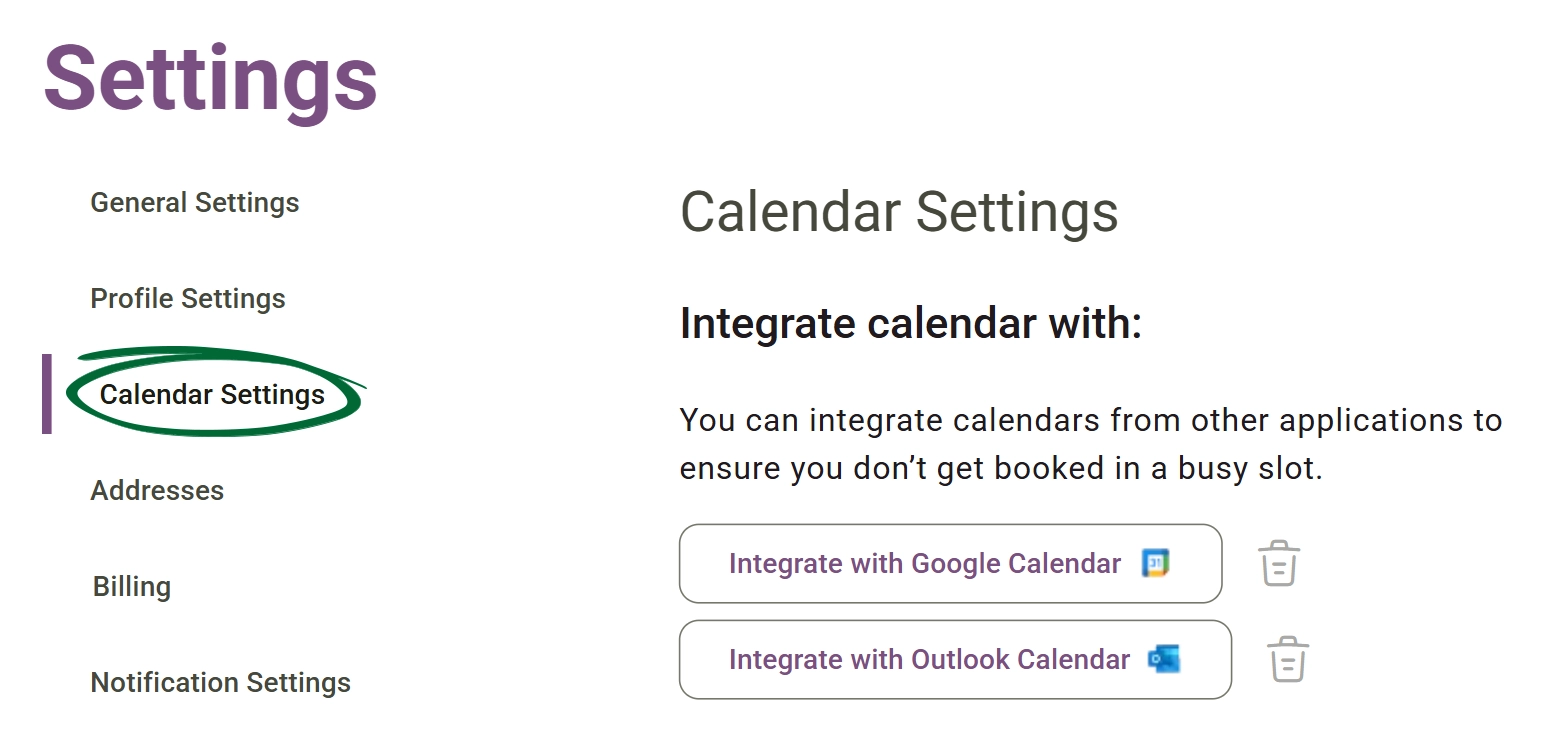
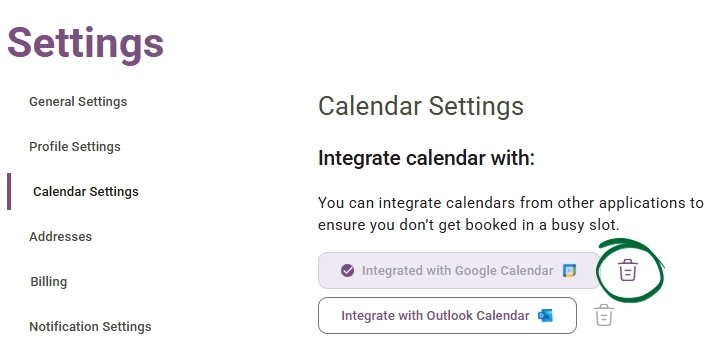
Sync your calendar with external tools like Google or Outlook to stay organized.
Can I set different working hours for different days?
Will my personal Google Calendar events be visible to my clients?
Issue: Need to cancel one session in a series
Issue: Timezone discrepancies
Next Step
Your calendar is live! Enhance your client journey by heading to Resources > Forms to build your intake questionnaires.
Go to Resources & Forms